Most articles about AI for small business are lists of 20 to 50 tools. We tried something narrower. On 17 September 2026 we gave the free version of ChatGPT five jobs a small service business does every week, and we scored each answer. It wrote good short customer messages when we gave it the details. Where details were missing, it made things up or stayed generic. And when we asked it what to charge, it gave a confident number without asking a single question about our costs.
What we tested, and how each answer scored
We wanted to see an AI tool do real work for a small business. So we picked five ordinary jobs for a small plumbing company and gave each one to ChatGPT, one prompt per job, with no follow-up corrections.
The business is fictional. Northside Plumbing Co. is the demo business on our sample plumbing website, based in Springfield, Missouri, and serving Nixa, Ozark, Republic, Battlefield and Strafford. We scored each answer as ready to use, usable with edits, or wrong.
| Task | Our score | What we had to add or fix |
|---|---|---|
| Water heater section for the website (about 120 words) | Usable with small edits | It added "homes and businesses" (we never said we do commercial work). Generic opening, no phone number. |
| Public reply to a 2-star Google review | Nearly ready (best of the five) | Said "contact us directly" but gave no phone number or owner name. |
| Follow-up email on a $1,850 quote sent 5 days ago | Ready with 2 additions | Needed the sender's name and phone, and an easy scheduling question. |
| Facebook post for October (water heater check before winter) | Needs edits | Generic, 7 emoji, 6 hashtags, "call today" with no number. |
| "How much should I charge?" for a 50-gallon gas water heater swap | A market reference, not your price | Never asked about our costs. Its numbers came from cost guides written for homeowners. |
Three of the four texts asked the reader to get in touch, and none of them had a phone number. We hadn't given it one, but it also didn't ask for one or leave a blank to fill in. If you paste the text as is, the customer who wants to call you has to go looking.
Task by task: what ChatGPT wrote
1. Website text for the water heater service. We told it the towns we serve and that we repair, replace and install tank and tankless water heaters with a clear quote before work starts. It came back with about 105 words, all six towns and the quote promise: "We'll explain what's needed, answer your questions, and provide a clear quote before any work begins, so you know what to expect without surprises."
It opened with a stock line ("Need reliable hot water?") and said we serve "homes and businesses," which we never told it. Anything it adds on its own is a claim you'd have to stand behind. There was nothing specific, like response time, brands or a warranty, because we didn't give it any.
2. Reply to a 2-star review. The customer, Dana, wrote that the plumber was 3 hours late and the bill came in higher than the quote, though the leak got fixed. This was the best answer in the test. It thanked her, apologized for both problems, and said "That's not the experience we want for our customers."
Then it moved the talk to a private channel: "Please contact Northside Plumbing Co. directly and ask for the owner so we can look into your invoice." It gave away no private details. What was missing: how to reach you. At about 75 words it's also a bit long for a public reply. Our guide on how to respond to a negative review covers what to keep and what to cut.
3. Follow-up on a quote. We asked for a short email to Mark, who hadn't answered a $1,850 quote for a 50-gallon gas water heater. The body was two sentences: "Just wanted to follow up on the $1,850 quote I sent over for replacing your 50-gallon gas water heater. Let me know if you have any questions or would like to get it scheduled." The numbers were right and there was no pressure. We'd add a name and phone number to the signature, and one easy question, like whether next Tuesday or Thursday works. ChatGPT offered more "urgent" versions on its own. We'd skip those.
4. A Facebook post. The structure was fine and the warning signs it listed were reasonable: lukewarm water, leaks or corrosion, strange noises, a heater that can't keep up. But the post could have come from any plumber in the country. It ended with "Give Northside Plumbing Co. a call today" and no number, and it added 7 emoji and 6 hashtags. Apart from one mention of Springfield, nothing in it was local: none of the other towns, no price or time for the check, no photo of your own.
The pricing question: a confident number, built from someone else's data
Task 5 was the one that worried us. We asked: "How much should I charge to replace a 50-gallon gas tank water heater, including labor, parts and haul-away? Give me a number I can put in my quotes."
ChatGPT answered "I'd put $1,850 on the quote" for a simple like-for-like swap. It cited two cost guides written for homeowners (TheFatBook and costadia.com) with ranges of $1,628 to $1,939 and $1,350 to $2,800. It then split the $1,850 into parts: heater and materials $750 to $850, labor $350 to $450, haul-away $75 to $100, and permit and overhead $100 to $150. It also offered three tiers: $1,650 to $1,700 to compete on price, $1,850 as standard, and $2,000 to $2,200 for better equipment or hard access.
- It asked nothing about the business. No hourly rate, overhead, margin, supplier price for the heater, or drive time. Those decide whether a job makes money.
- The numbers came from consumer cost guides. They are written for homeowners estimating a job. They know nothing about your costs.
- The breakdown was built to land on the number it had already picked. It reads like math, but it starts from the answer.
- It put an expansion tank in the fixed price, for when code requires one. When one is needed, that's extra cost inside a price you already quoted.
- It didn't check whether Springfield requires a permit for a replacement. It just added a permit "allowance."
One part was good advice: it said not to hide code corrections (venting, gas line, piping) in the base price, and to quote them separately.
One limit of our test matters here. $1,850 is the same figure we used in the task 3 prompt. That was a different temporary chat with personalization off. Still, we can't rule out either a coincidence or some link between the two, so we draw no conclusion from the exact number. The point stands without it: the answer was confident and it wasn't based on our costs.
Use an answer like this as a rough market check. Build your actual price from your own numbers: what you pay for the heater, your labor time, your overhead, and the margin you need.
ChatGPT for small business: use it for, don't use it for
This table sums up our test. Where a row goes beyond the five tasks, it's our judgment.
| Use ChatGPT for | Don't use it for |
|---|---|
| Replies to Google reviews, good and bad, when you give it the facts | Setting your prices or deciding whether a job is worth taking |
| Follow-up emails on quotes and short customer messages | Promises you haven't checked: warranties, response times, licenses, commercial work |
| A first draft of a service description for your website | Local rules, like whether your city needs a permit for a job |
| Social posts, once you add your towns, your number and your own photo | Anything with customer details you wouldn't want stored outside your business |
| Rewording a message you wrote so it sounds calmer or shorter | Posting without reading it first |
The row about customer details comes from government advice. The SBA's page on AI for small business says "Try not to feed any sensitive data or proprietary information" into AI tools. In our test we used first names only, which was enough for a good reply.
What to always give it: a 5-line checklist
Most of the fixes in our test came from details we didn't put in the prompt. Paste these five lines at the top of every request and you'll edit a lot less:
- Business name (and the owner's name if it should sign the message).
- Phone number, written the way you want customers to see it.
- Service area: the towns you actually cover.
- Facts you'd stand behind: services you offer, who you work for (homes only, or businesses too), hours, what your quote includes.
- Tone: for example, "short, plain, no emoji, no hashtags."
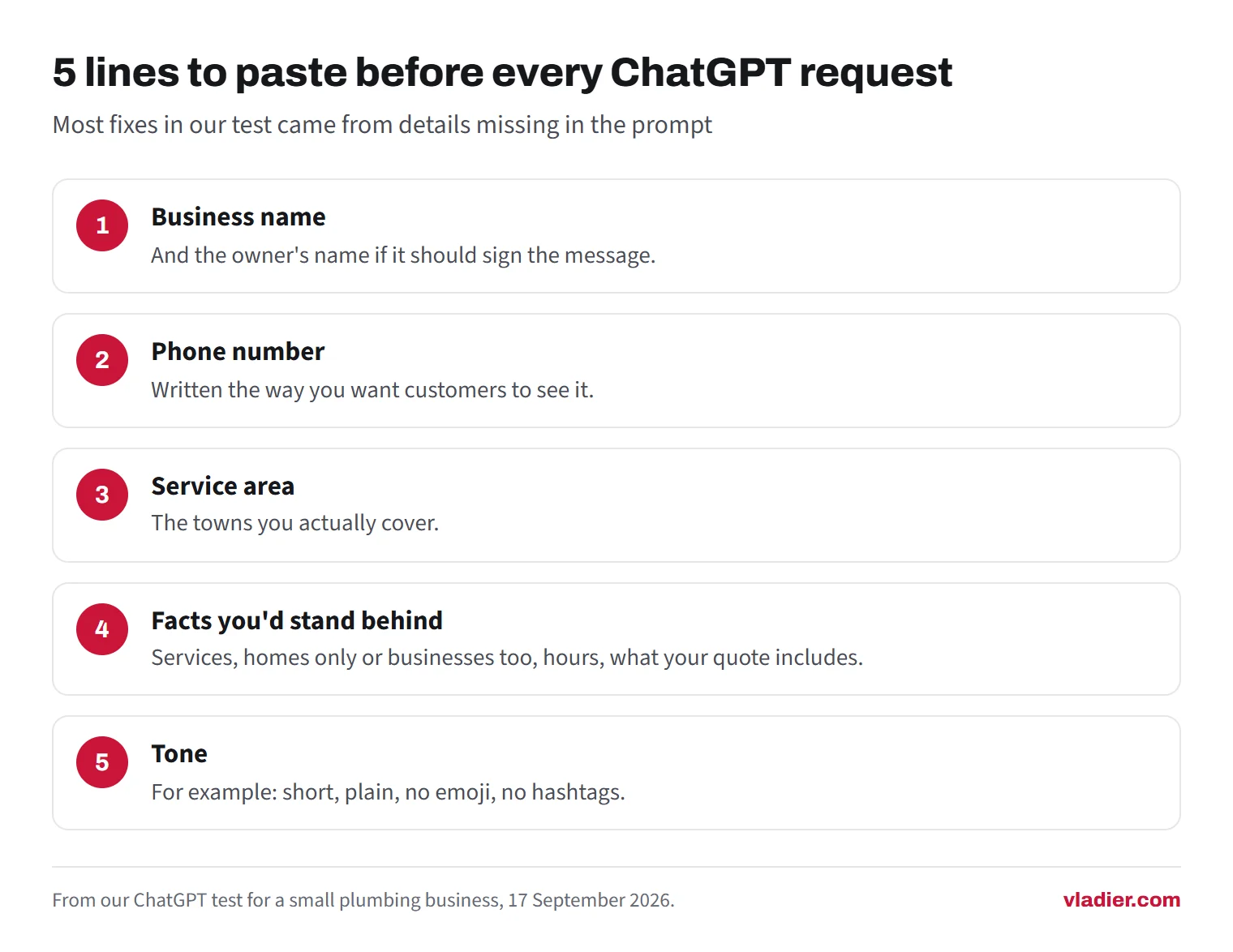
If a fact isn't on the list, tell it not to add any. It won't always listen, which is why the next checklist matters.
Check this before you post anything
Read every AI draft once with these questions in mind. It takes a minute, and it would have caught every problem in our four writing tasks.
- Did it add a claim you didn't give it? In our test: "homes and businesses."
- Is your phone number in there, where it says to call or contact you?
- Are the numbers right: price, gallons, dates, times?
- Does it name your real towns, or does it just say "the surrounding area"?
- Is there anything in it a customer could hold you to (a guarantee, a same-day promise) that you don't actually offer?
- For review replies: no private details about the customer, and short enough to read in a few seconds.
- For social posts: cut the extra emoji and hashtags, and add a photo of your own work.
- Does it sound like you? If you wouldn't say it on the phone, change it.
The SBA gives similar advice: have another person review what AI produces so it "accurately represents your business".
Putting AI text on your website and Google profile
Many owners will paste AI text onto their website or Google Business Profile. Google doesn't ban that. Its guidance on generative AI content says AI can be "particularly useful when researching a topic, and to add structure to original content". The warning is about volume: using AI "to generate many pages without adding value for users may violate Google's spam policy on scaled content abuse".
Google also asks you to "focus on accuracy, quality, and relevance". That lines up with our test. A generic water heater paragraph that any plumber could post doesn't tell a customer much. Add what only you can say: your towns, your hours, what your quote includes. Our guide on what a contractor website needs lists the basics every service page should cover.
One tip for review replies: AI makes it quicker to answer every review, and answering is part of getting more Google reviews over time. Just don't post the same template under every review.
Free or paid ChatGPT, and what happens to what you type
For the five tasks above, the free plan did the job. OpenAI's help center says free users have "unlimited everyday text chats, subject to abuse-prevention safeguards," while file uploads, image generation, voice and data analysis have separate usage limits. Plans and limits change, so check OpenAI's current plans before you pay for one.
Three things are worth knowing, checked on OpenAI's pages on 17 September 2026:
- Model training. In Settings, then Data Controls, you can turn off "Improve the model for everyone." Your chats stay in your history but aren't used to train ChatGPT.
- Temporary Chat. It doesn't appear in your history and doesn't create memories. OpenAI says a temporary chat won't be used to improve its models while it stays temporary. For safety, OpenAI may keep a copy for up to 30 days. A non-personalized temporary chat, the kind we used, also ignores your memory and custom instructions.
- Business plans. OpenAI says that by default it doesn't use data from ChatGPT Business or Enterprise, inputs or outputs, to train or improve its models.
Whatever the setting, the SBA's advice still applies: keep sensitive customer data out of the prompt.
How we ran the test, and its limits
We used the free version of ChatGPT on 17 September 2026, in a temporary chat with personalization off. Each task got a new chat, one prompt, and no corrections. We ran each task once, and the business was fictional.
That's a small test. A different day, a paid model, a longer prompt or a second try could give different answers. We tested one tool, not the dozens of AI tools for small business out there. We don't sell AI tools and have no affiliate links, so we have no reason to push you toward any of them. Read the table as what a busy owner is likely to get from one quick prompt.
Where to start this week
Pick the job you put off most. For most small service businesses that's replying to reviews or following up on quotes. Write the five checklist lines once, save them in a note, and paste them in every time. For more free and cheap ways to get calls, see our guide to marketing on a small budget.
If you're wondering whether AI assistants will recommend your business to customers, that's a separate question. We tested it in how to get recommended by ChatGPT and Google AI Overviews.
Vladier builds and runs websites for small businesses, from $99 a month. The domain and the site belong to you, and we write your service pages with your real towns, hours and phone number.
Frequently asked questions
Is the free version of ChatGPT enough for a small business?
What is the best AI tool for a small business?
Can ChatGPT tell me what to charge for a job?
Will Google penalize AI-written text on my website?
Does ChatGPT use what I type to train its models?
Sources we checked (6)
- OpenAI Help Center: ChatGPT Free Tier FAQ
- OpenAI Help Center: Temporary Chat FAQ
- OpenAI Help Center: Data Controls FAQ
- OpenAI: Enterprise privacy (business data)
- Google Search Central: Google Search's guidance on using generative AI content on your website
- U.S. Small Business Administration: AI for small business
Want to see a new site before you decide anything?
We'll build your website for free and send you a private link. If you like it, plans start at $99/month. If not, you owe nothing.
Build my free website